Installation on macOS and Linux
Shimming Toolbox can be used either from the Terminal
or from a graphical user interface (GUI) as a plugin for FSLeyes.
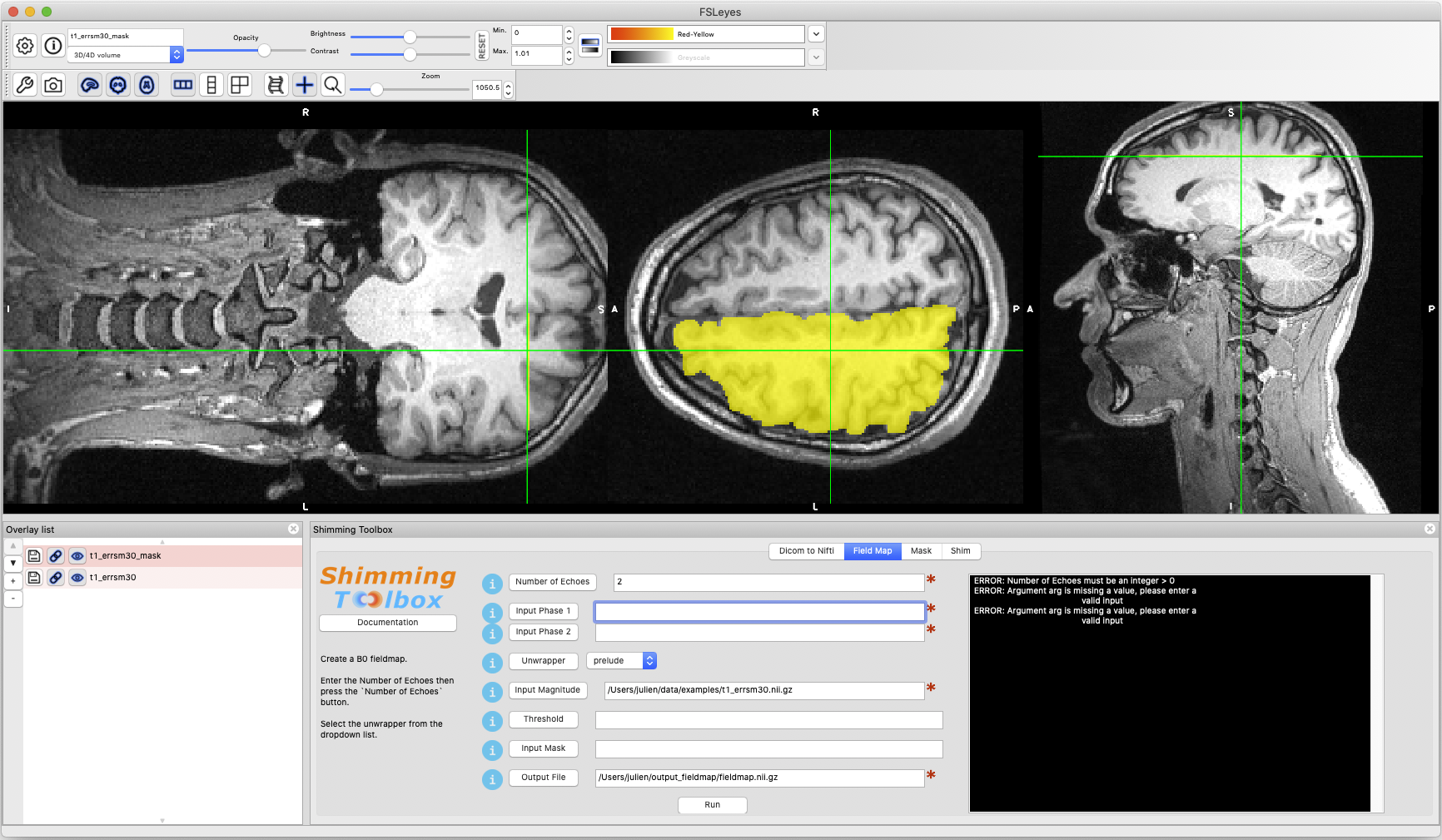
Dependencies
Optional dependencies:
Installation Procedure for macOS and Linux
Note
The installer will install Shimming Toolbox and FSLeyes into an isolated environment.
It will not interfere if you already have FSLeyes installed. If you
have previously installed FSLeyes, that version will not support the GUI.
Open a Terminal, navigate where you want to download the source code and run the following commands.
Warning
Navigate anywhere except your $HOME. The installer will create a directory called shimming-toolbox in $HOME and
would interfere with the source code if you download it in $HOME.
First, download Shimming Toolbox:
git clone https://github.com/shimming-toolbox/shimming-toolbox.git
Next, run the installer:
cd shimming-toolbox
make install
You will be prompted to source your .*shrc file. For example:
source ~/.bashrc
Note
You can restart your terminal or open a new tab to source your .*shrc file automatically.
The shimming-toolbox command launches FSLeyes with GUI support. It takes a few seconds to open.
shimming-toolbox
You should see our plugin as a panel. If it does not open automatically, go to:
Settings --> OrthoView --> Shimming Toolbox
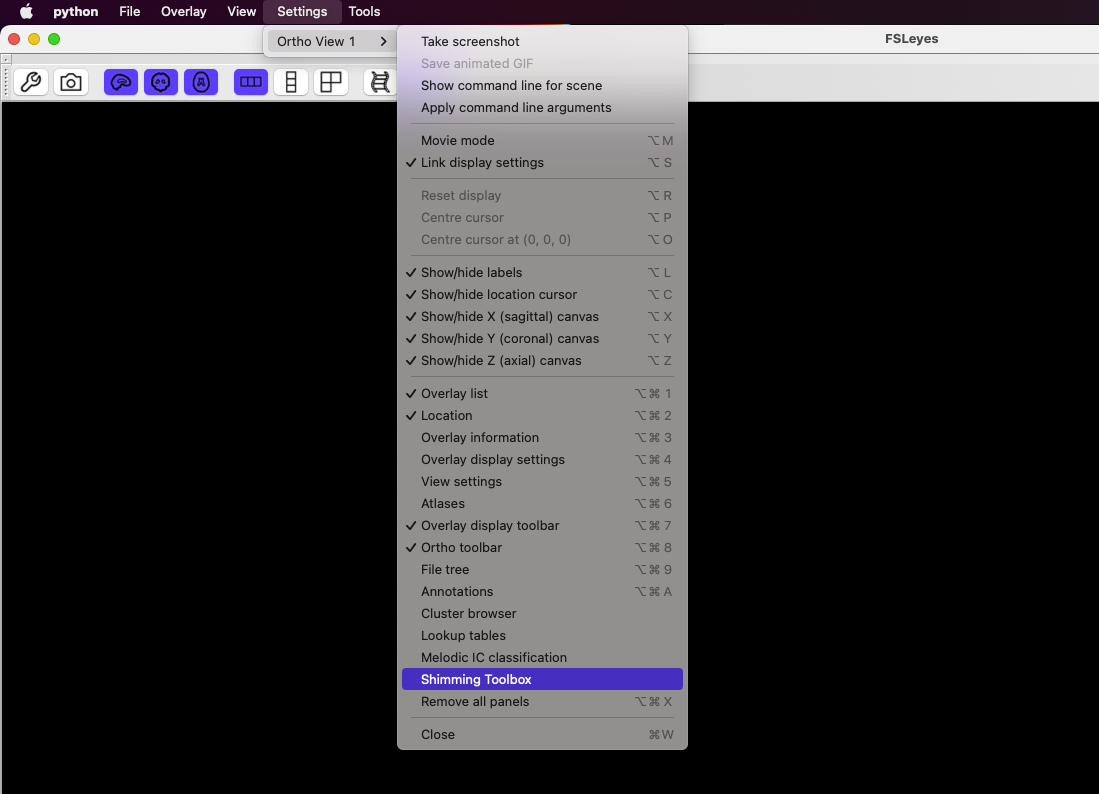
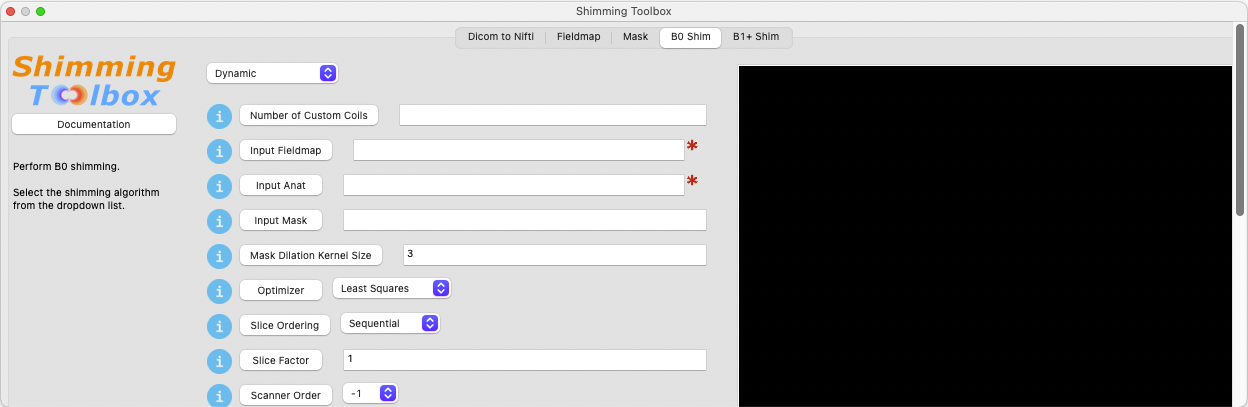
The plugin should open as a panel.
Test the Installation
This step is optional but it's a good measure to ensure
Shimming Toolbox is properly installed on your system.
Comprehensive Test
To run the entire testing suite, run pytest from the
cloned shimming-toolbox directory:
cd <shimming-toolbox-dir>/shimming-toolbox
source $HOME/shimming-toolbox/python/etc/profile.d/conda.sh
conda activate ~/shimming-toolbox/python/
pytest
See https://docs.pytest.org/ for more options.
If all tests pass, Shimming Toolbox is properly installed.
Testing subsets of soft dependencies
prelude is a soft dependencies, so you may wish to run the
parts of the testing suite that do not depend on it.
To test shimming-toolbox without prelude:
cd <shimming-toolbox-dir>/shimming-toolbox
source $HOME/shimming-toolbox/python/etc/profile.d/conda.sh
conda activate ~/shimming-toolbox/python/
pytest -m "not prelude"
To test only the parts of shimming-toolbox dependent on prelude, the corresponding -m argument is "prelude"
For Developers
Developers have options to start developing Shimming Toolbox. A quick setup is available for those who want to quickly start coding. While a more permanent setup is available for those who want to contribute to the project more substantially.
Quick setup
To quickly develop Shimming Toolbox, you can clone/fork the repository and run the installer.
git clone https://github.com/shimming-toolbox/shimming-toolbox.git
cd shimming-toolbox
make install
You will be prompted to source your .*shrc file. For example:
source ~/.bashrc
You can then activate the shimming-toolbox environment and start coding!
source $HOME/shimming-toolbox/python/etc/profile.d/conda.sh
conda activate ~/shimming-toolbox/python
Any changes you make in the cloned Shimming Toolbox repository should automatically be reflected in the shimming-toolbox environment.
You can test that by making a change to the code and running the right CLI command.
Permanent setup
For more permanent developers, we recommend following this guide to set up a development environment.